1. Walking Through Game UI
I know as a newbie it can get quite overwhelming to understand gameplay. So, let me walk you all through our game UI...🌸 Stay with me till the end 🫡
🏠 HOMEPAGE : This is you basic homepage, through which you all can navigate different features.
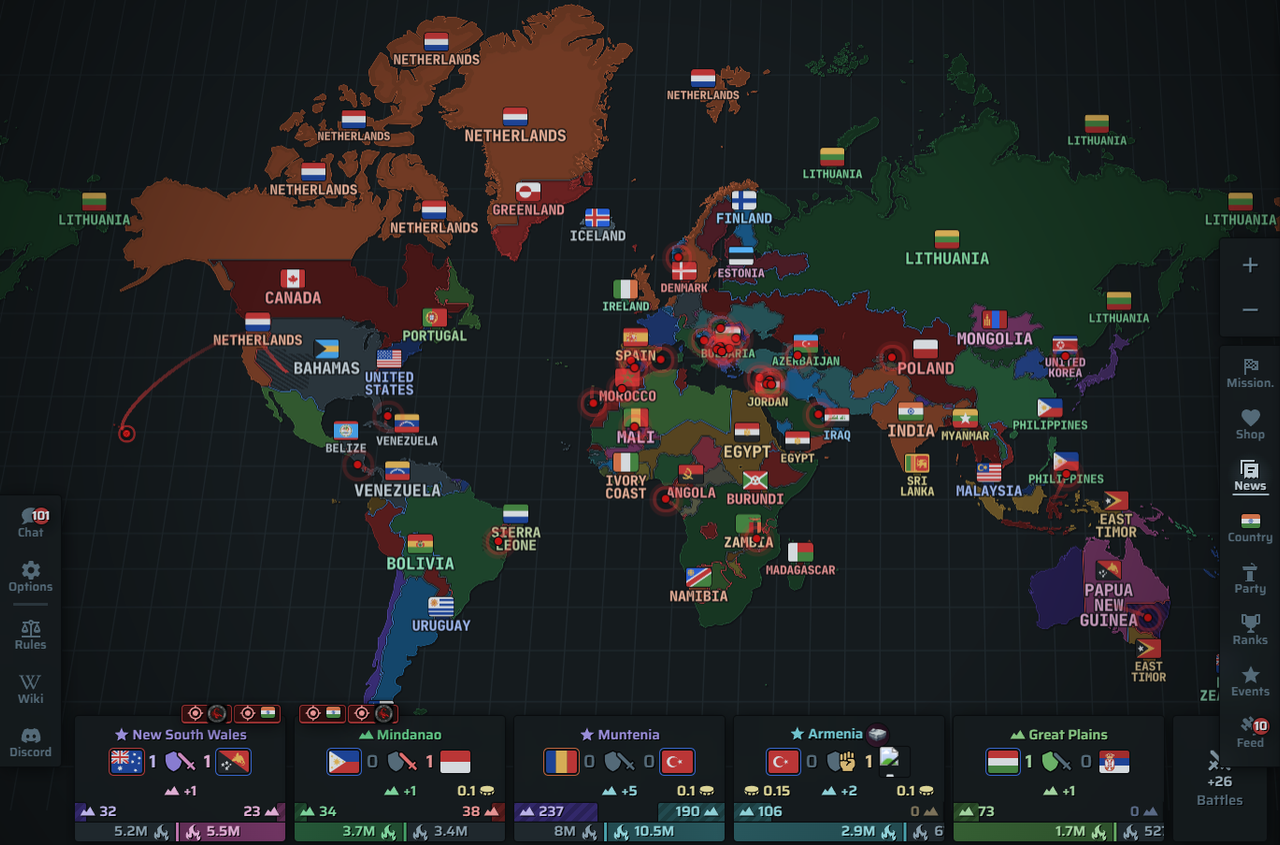
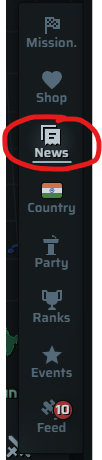
▶️ Right Hand Bar : From here you can access your MISSIONS, NEWS, COUNTRY PROFILE, SHOP, FEED, PARTY (POLITICAL), RANKS, EVENTS
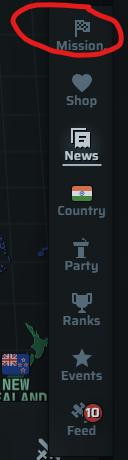
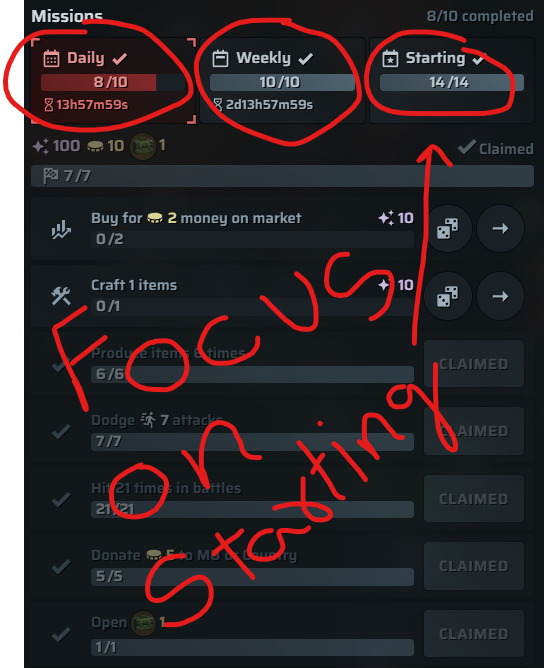
⚔️ MISSIONS : Missions are used to increase your XP, and this is the only way you can level up. There are three types, Daily, Weekly and Starting (for newbies), focus on starting missions, they will give you a good XP boost.
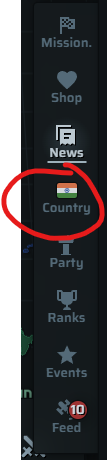
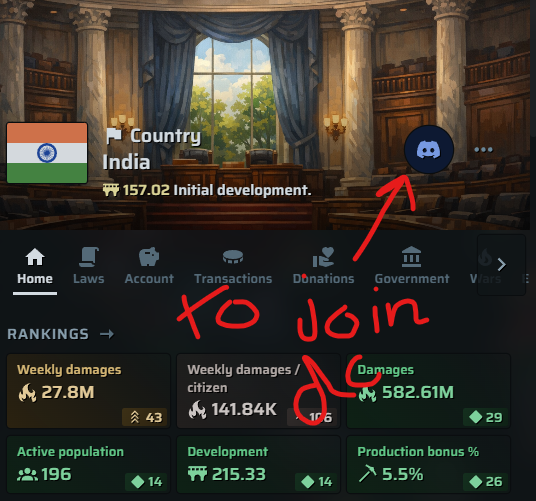
🌍 COUNTRY: Now let's move to our Country's profile. Here you can see every information about your respective country. On the top right corner you can see Discord log, click and join country's DC server.
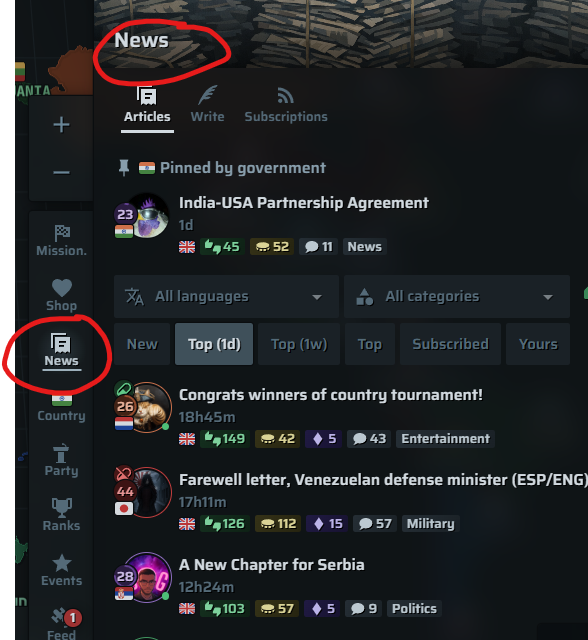
📰 NEWS: Here you can find articles from all different players around the world. Memes, game articles, news, anything. You all can write and share you experience.
👇🏻 THE BAR BELOW : Here you can access your inventory, Battles, Your companies, Market (you'll get access when you reach level 7), MU (Military Unit)

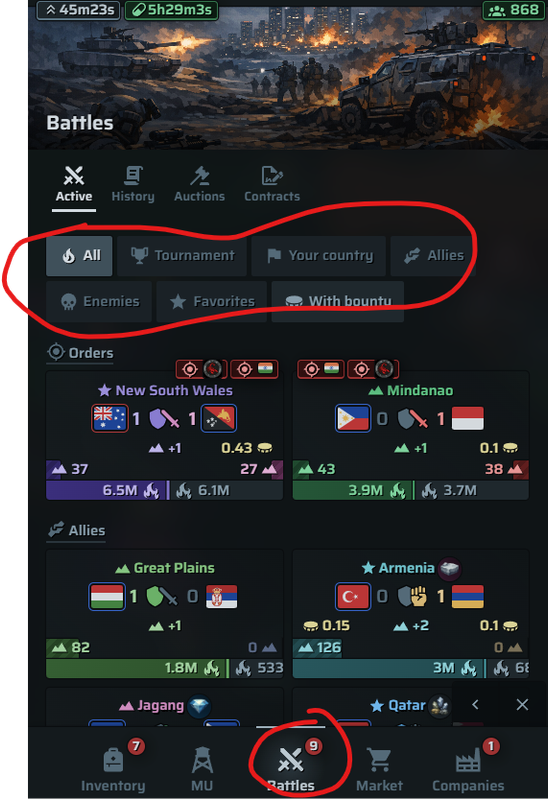
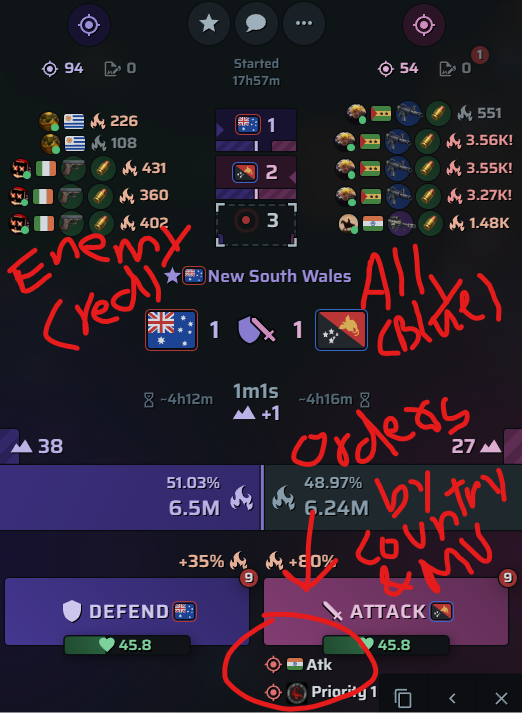
🪖⚔️ BATTLES : Now let's walk through battles, an important part of this game. Here you can see all battles and sort them out based on your country, allies, enemies so on.
🪖⚔️ BATTLES 2 :
A. Here you can see a battle, one country on left, one country on right.
B. The country which has RED ♥️ border are the ENEMIES of your country
C. And the countries with BLUE 🔵 borders are ALLIES of your country. Every country has their own allies and enemies.
D. Along with that you can also see your COUNTRY or MU flag in battles. This indicates that your country and MU are having orders in this battles and you have to follow it. Support whichever side the orders are.
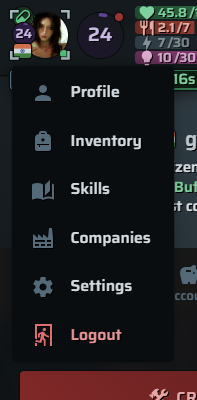
🧑🏻PROFILE : Here you can access your profile and everything about it. From Inventory, account, companies, your skills, everything related to your in-game profile. You can also access your inventory and companies through THE BAR BELOW.
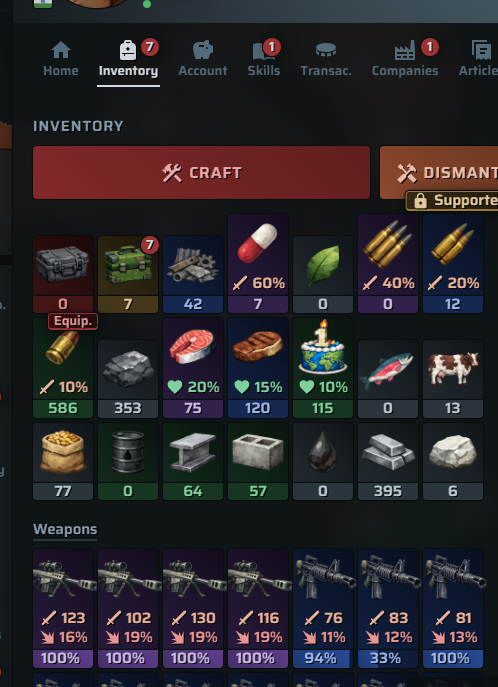
🛍️ INVENTORY : Here you can see everything that you own, from food, raw materials, ammo, to equipments. You can use them (ammo, equipments, food during wars). Sell food, materials and things in market...so on. Will make a guide for this in future.
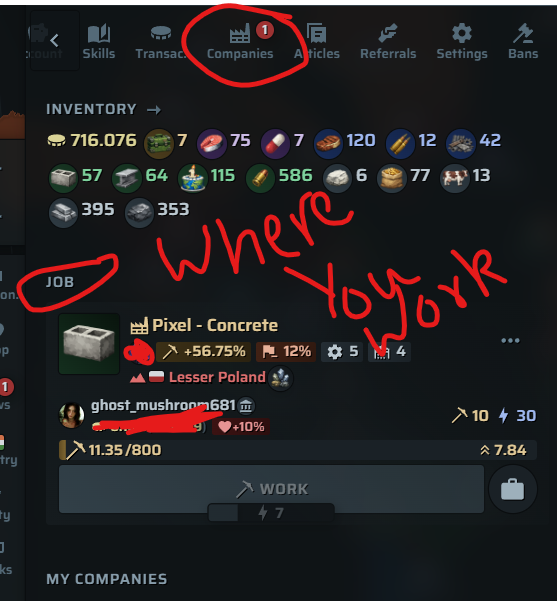
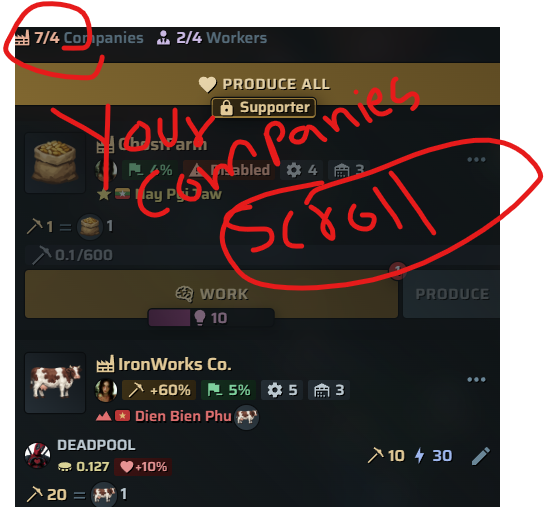
👷🏻 COMPANIES : This will show the Company you're working in, and the companies that you own.
Here is the basic game UI, and navigation guide for those who are new and those who can't join discord. Thank you for tolerating this and staying till the end. 🌸🫡
I'll make sure to make more such guides for everyone to follow.